


BLACK FRIDAY

2× credits · Ends Dec 1

Ends Dec 1, 11:59 pm PTGrab 2× credits

AI photo fixes · Free image tools

Fix Image Online –
Repair, Straighten and Retouch Your Photos

Upload a photo, pick the problem or describe the fix, and FixImage makes the edit for you. Free tools cost nothing; AI retouching is free to start.

What do you need to fix?

No photo? Try one:
  • Free tools, no sign-up needed
  • AI retouching is free to start
  • Works on phones and laptops
See all image tools
  • 6AI fixes, each tuned for one photo problem
  • 4free tools, no sign-up needed
  • Realresults on every tool page, never stock photos
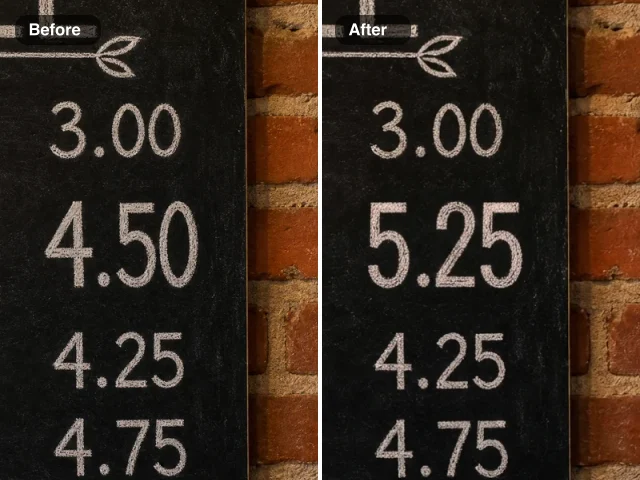
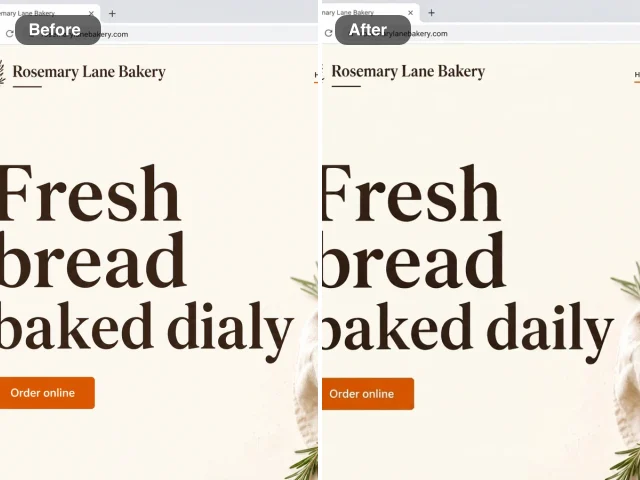
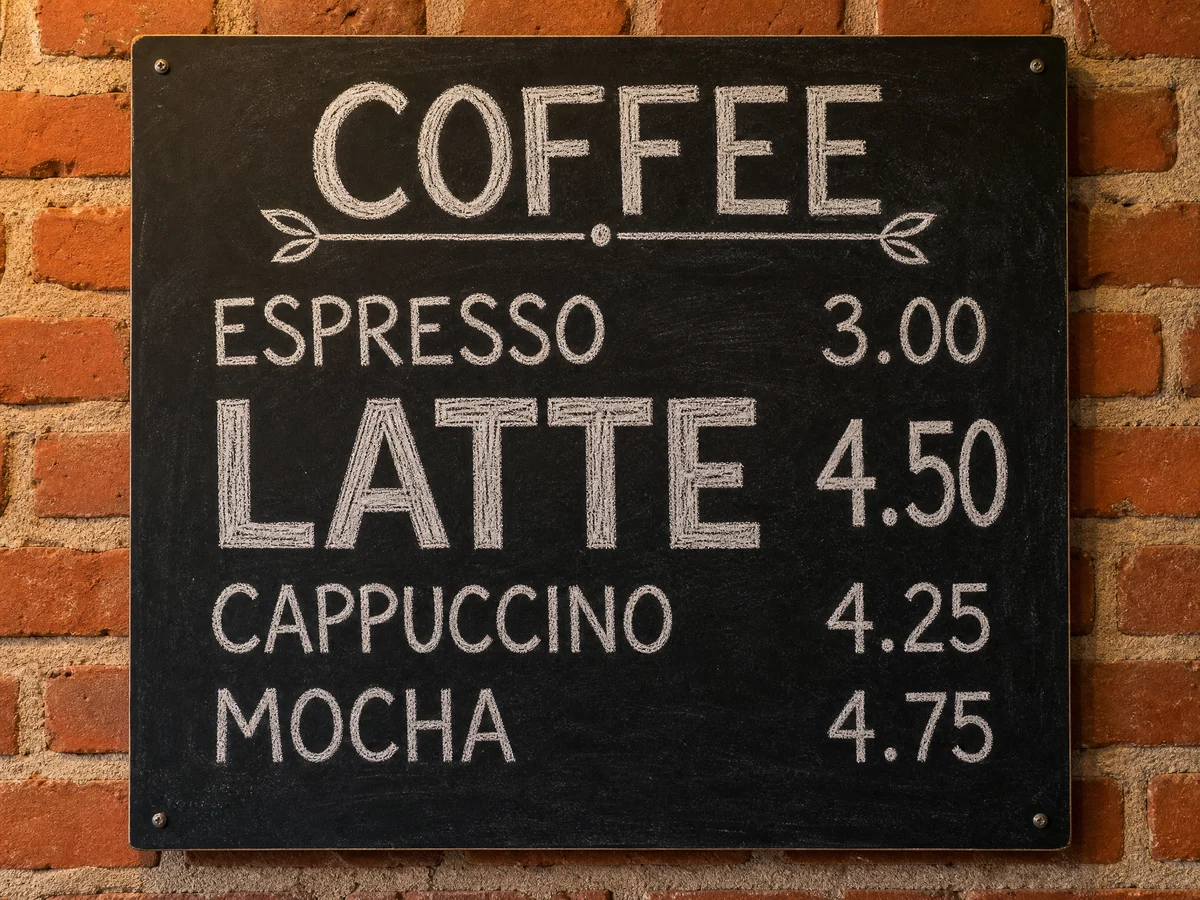
Black café chalkboard menu on a brick wall listing espresso, latte, cappuccino and mocha, with the latte at 4.50Before
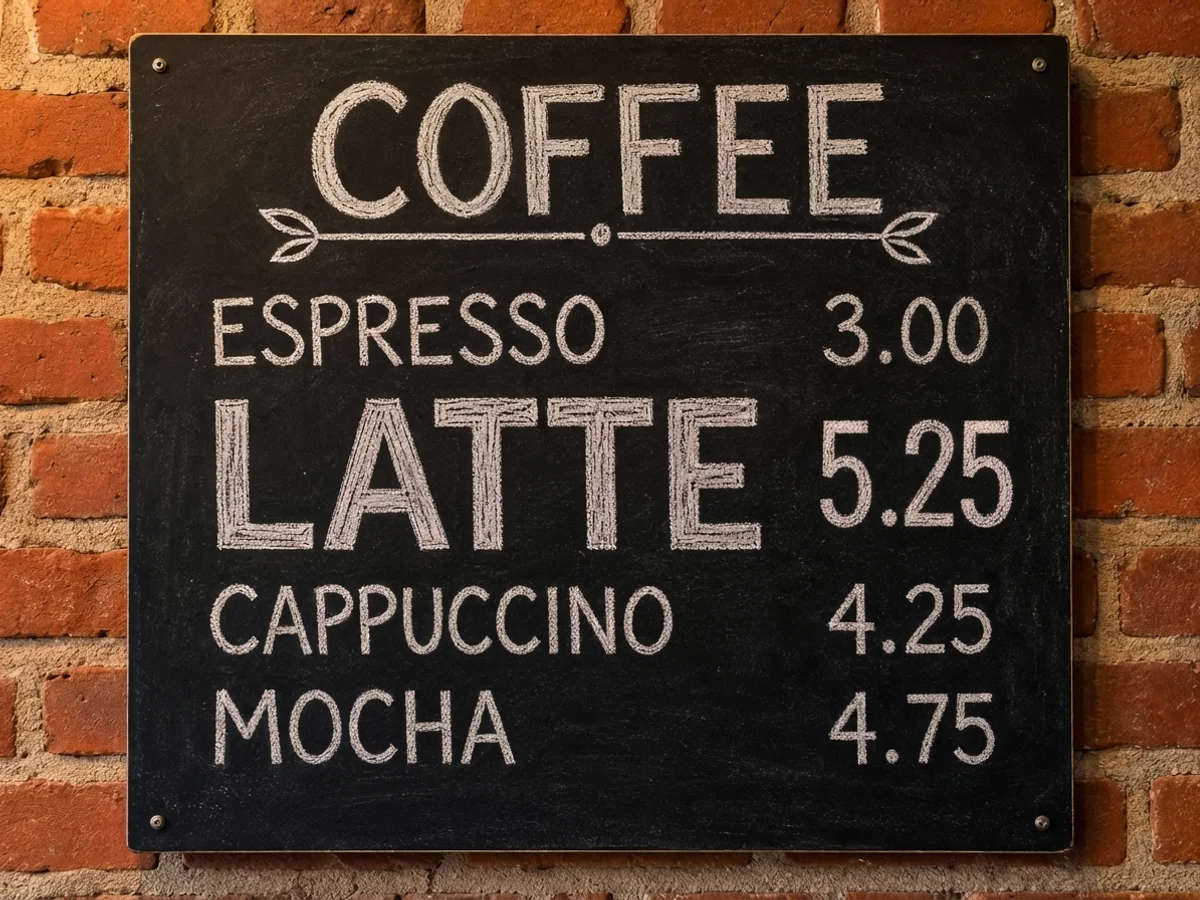
The same chalkboard menu with the latte price now 5.25 in matching chalk letteringAfter
Real output · Edit Numbers in Image

One photo · one short note

Watch an AI Image Fixer Work, Step by Step

Pick the problem and the AI image fixer already has its instructions written for you. FixImage changes only what the tool is built for and keeps everything else in the picture as it was.

  1. Finds the number you nameSpots the old price on the menu board, even in chalk.
  2. Redraws it in the same styleThe new number keeps the lettering, colour and size.
  3. Keeps everything elseThe board, the other prices and the café stay as shot.
  4. Ready to downloadCheck the new price, then download the finished picture.
Edit a number in an image

How to Fix an Image Online in 3 Steps

You fix image problems on FixImage the same way every time: name the problem, add the photo, then check the result before you save it.

1

Pick what to fix

Tap the problem that matches your photo, such as glare on glasses, a wrong date stamp or a tilted page. Every button is set up to fix image issues of that one kind: AI fixes run in the box at the top of this page, and each free tool opens its own page.

2

Add your photo

Drop, paste or browse for a JPG, PNG or WebP from your computer or camera roll. A text tool also asks for the old and new wording; the other tools only need the photo before they start.

3

Compare and download

Check the result against your original before you save anything. When you fix image details this way you can adjust an option and try again, then download the copy that looks right.

Fix Image Files, Pages and Angles with Free Tools

These four free tools fix image problems that need no AI: repair a JPG that will not open, turn a phone photo into a scan, straighten a tilted shot and outline a cutout.

Repair a JPG that will not open

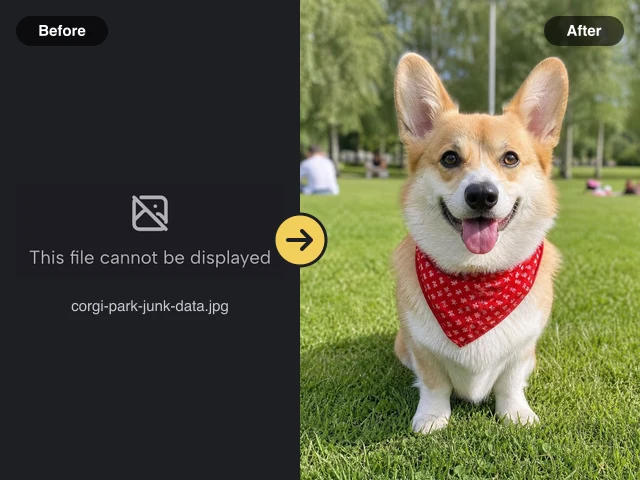
A photo copied from an old memory card or cut short by a failed download can show an error or a grey band. The repair tool can fix image files like these: it checks the file, rebuilds missing start and end markers, removes stray bytes and tells you honestly when picture data is gone.
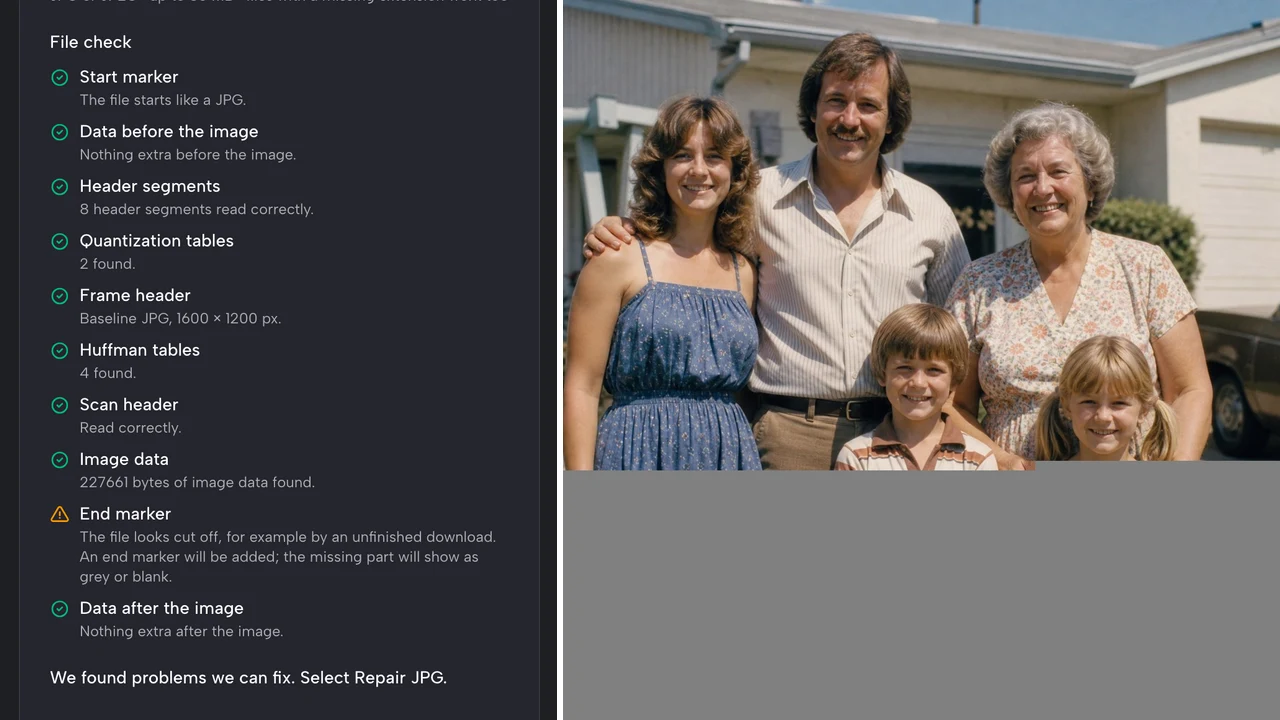
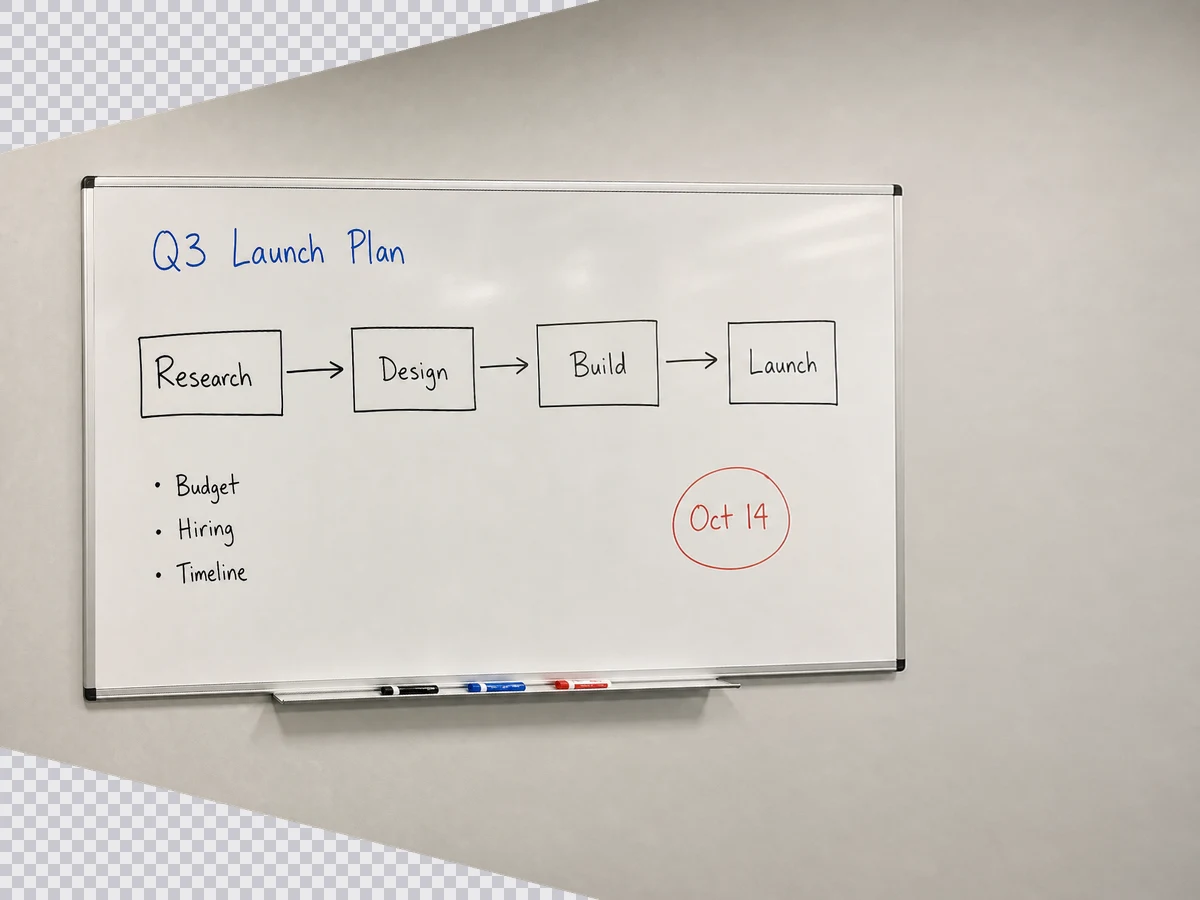
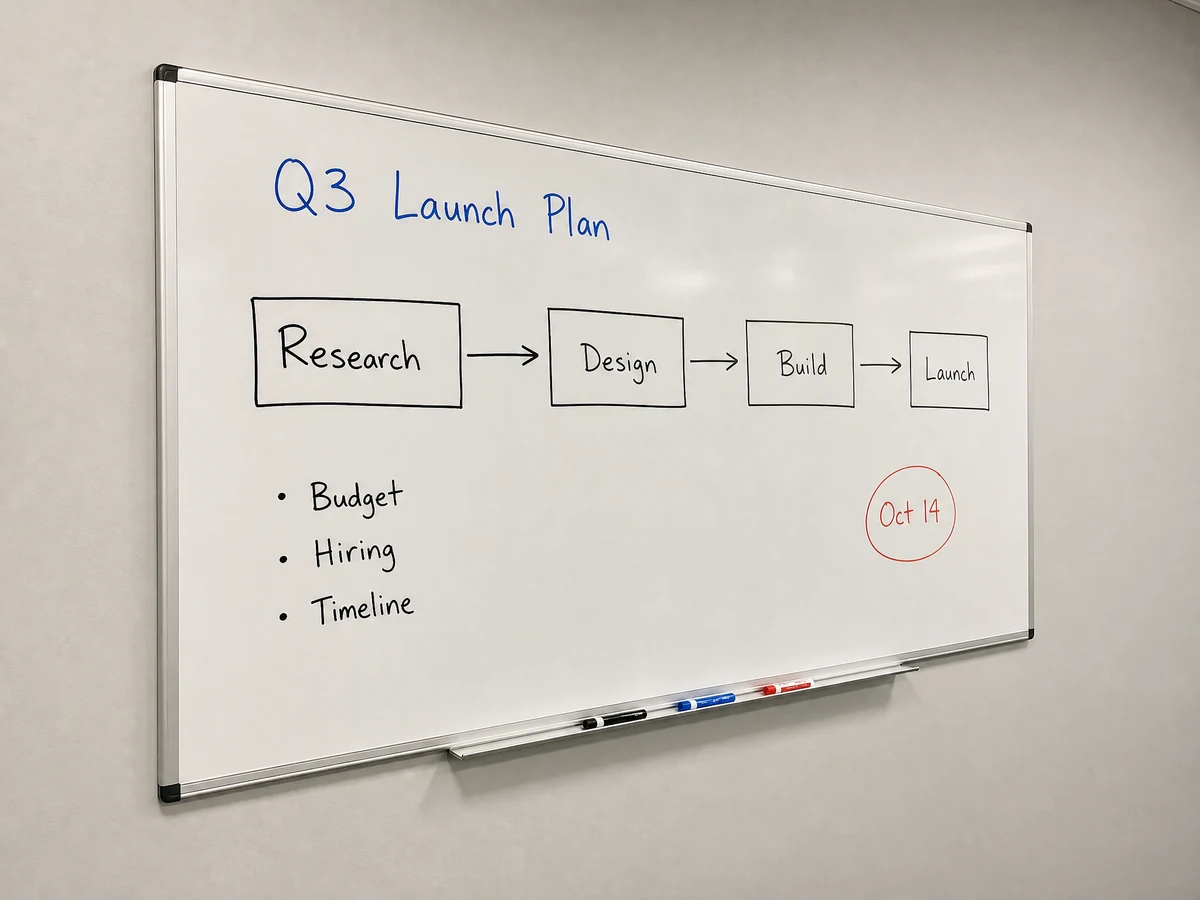
File check flagging a missing end marker beside a repaired 1970s family photo scan, grey where data never downloaded

Turn a phone photo into a scan

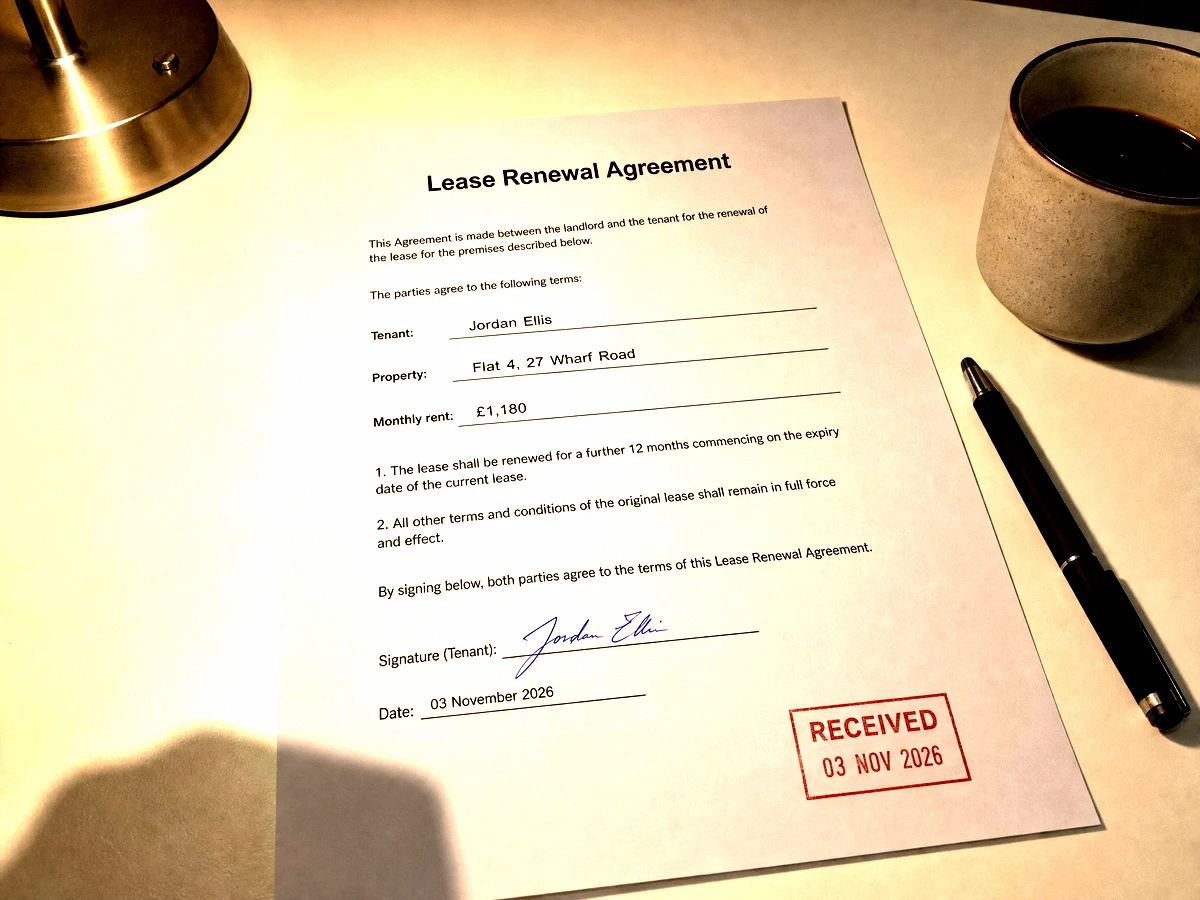
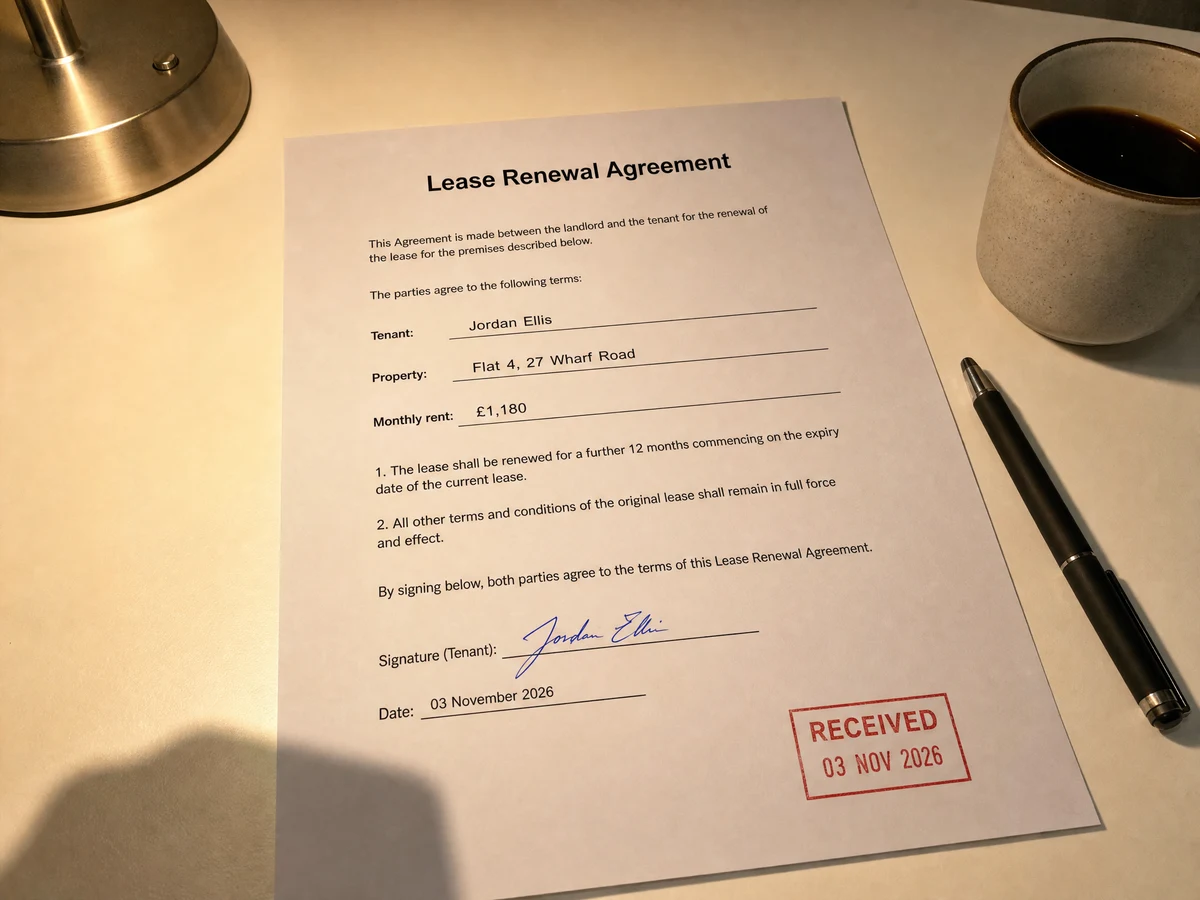
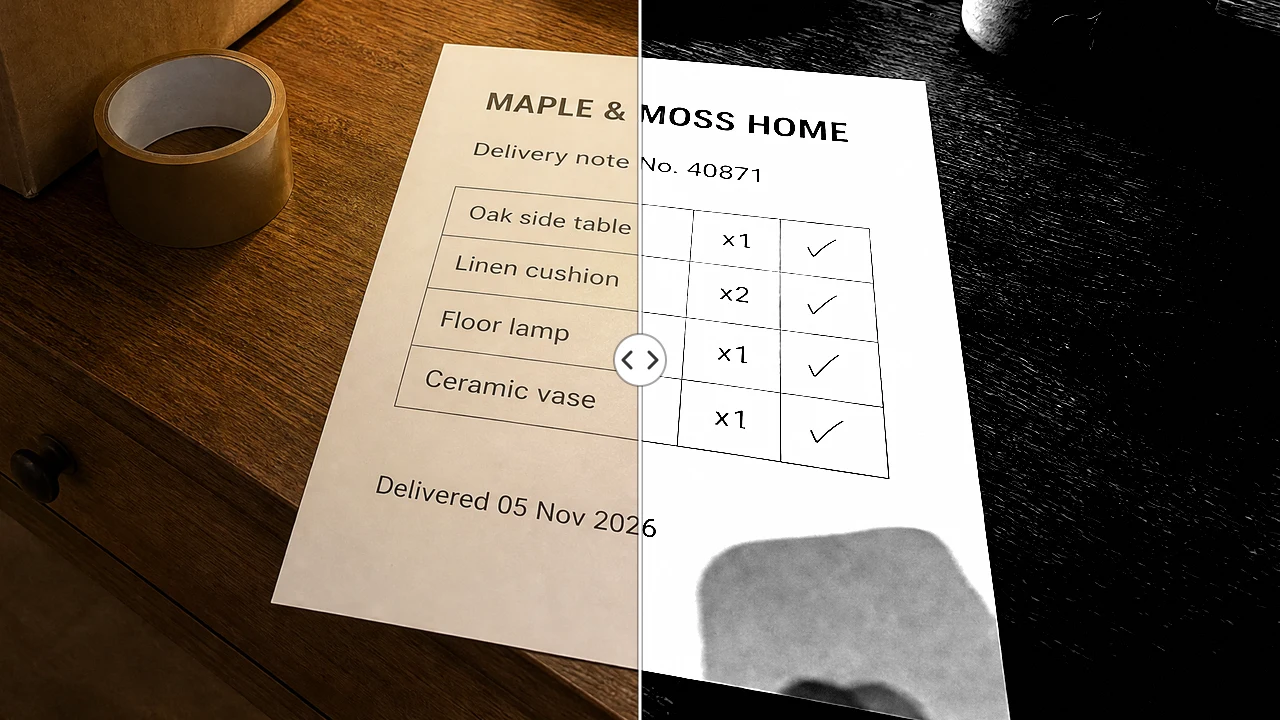
A receipt or signed form photographed on a desk looks grey and uneven. Photo to Scan whitens the paper, raises the contrast so text reads clearly and exports a full-resolution PNG or PDF, ready to print or email when there is no scanner nearby.

Delivery note split down the middle: warm lamp-lit phone photo on the left, black and white copier-style scan on the right

Straighten a photo taken at an angle

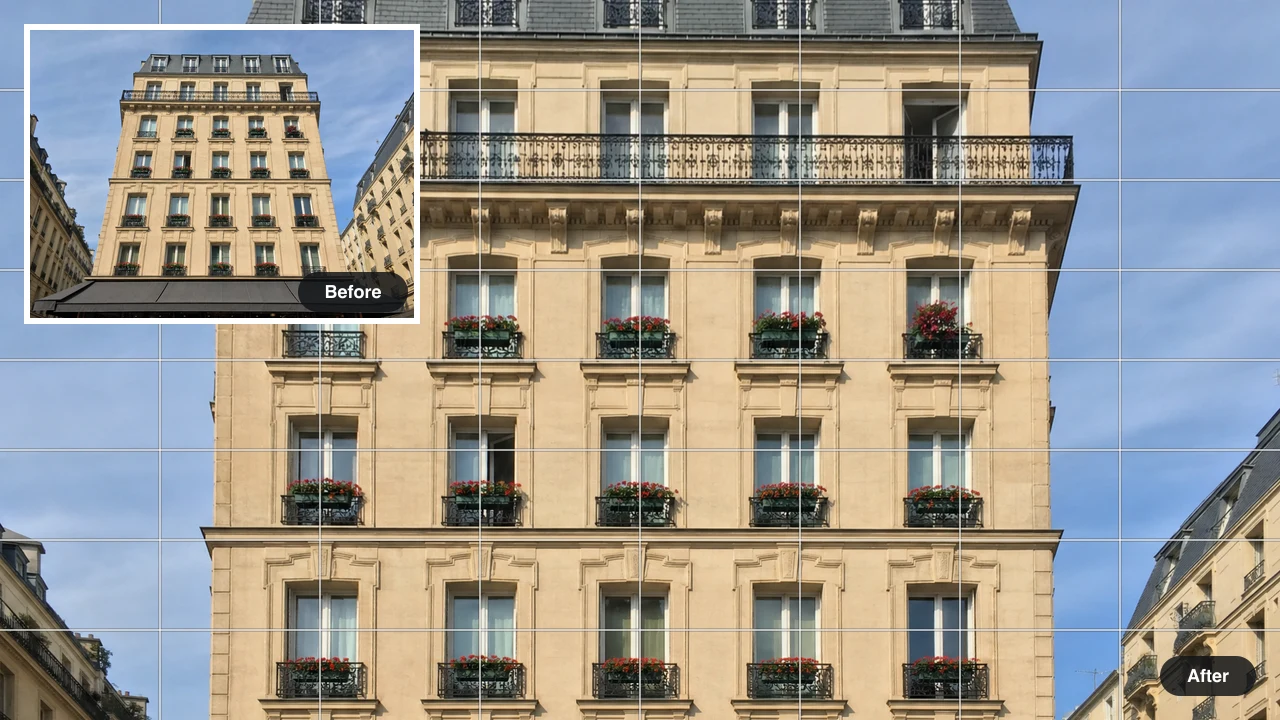
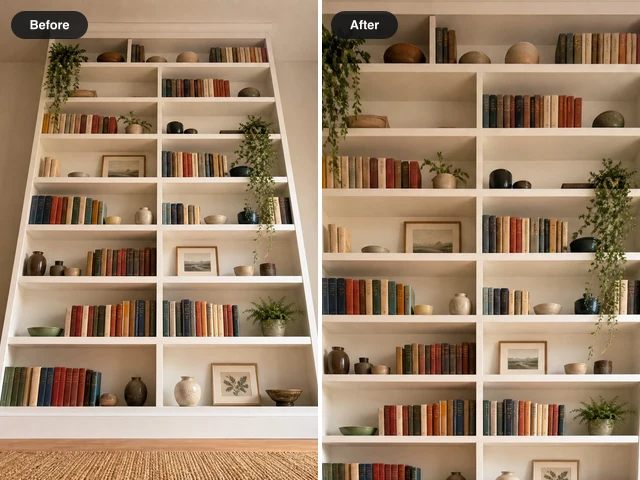
Buildings that lean back, a whiteboard shot from the side or a page photographed at an angle can be squared up. For pages, whiteboards and paintings the four corners are usually found for you and can be dragged into place; buildings and horizons are straightened with the tilt and rotation sliders. Both ways fix image perspective for free, and the result downloads as a PNG or JPG.

Apartment building after vertical tilt correction, walls and balconies upright on the grid, leaning original inset top left

Add an outline to a cut-out

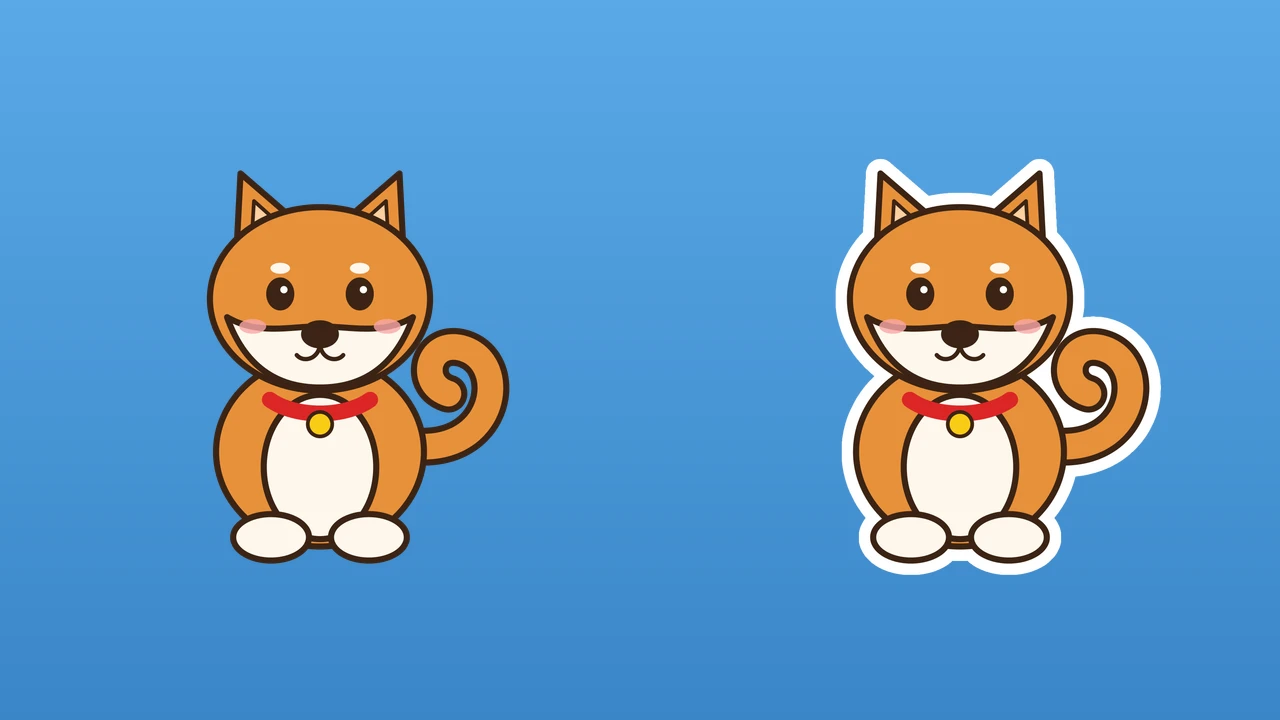
Stickers, logos and product cut-outs stand out with a clean border. Upload a transparent PNG, choose the outline colour and width, add an optional shadow and download a new transparent file at no cost and with no sign-up.

Cartoon shiba dog cutout before and after: plain on the left, white outline following ears, paws and curled tail on the right

See What Our Image Fixer Can Do

Every picture below is a real output from the tool it links to, so you can see how FixImage tools fix image problems before you add a photo of your own.

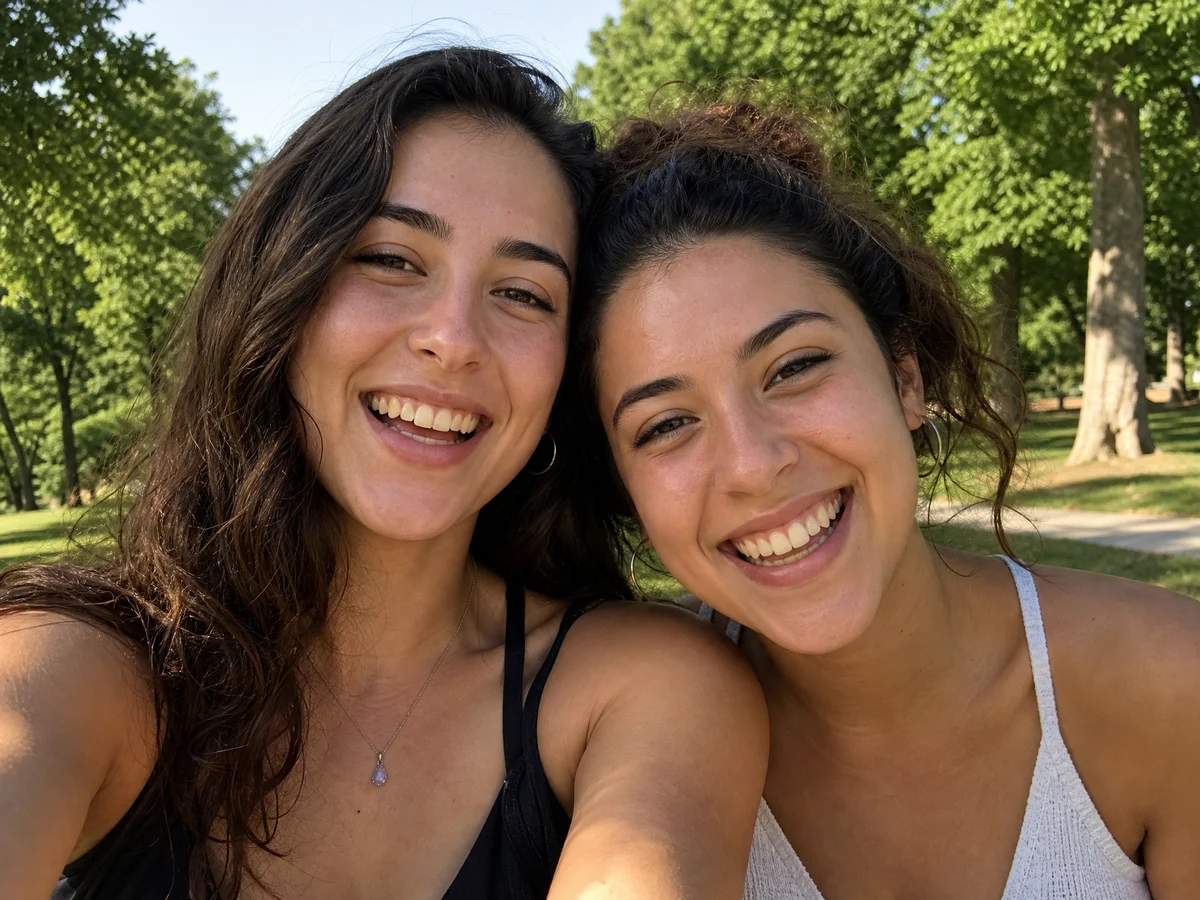
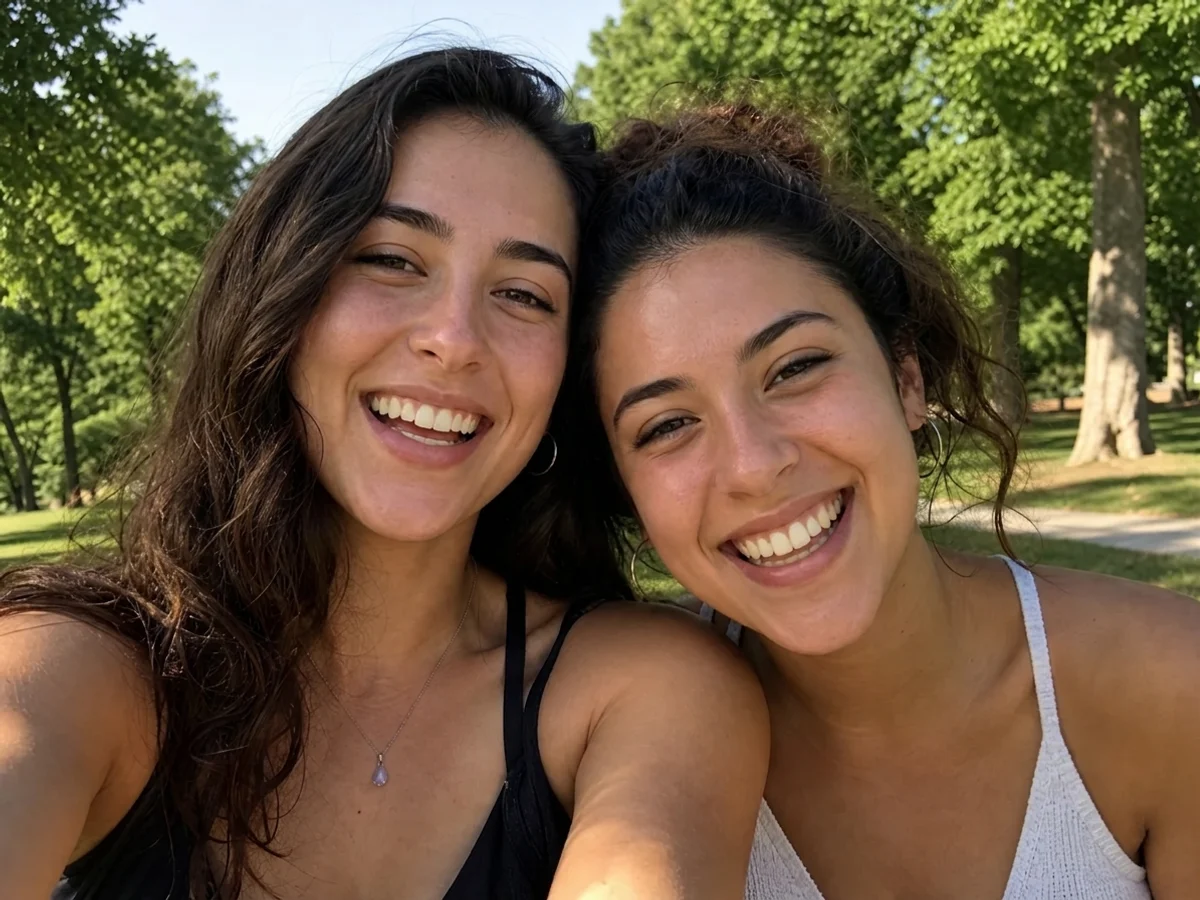
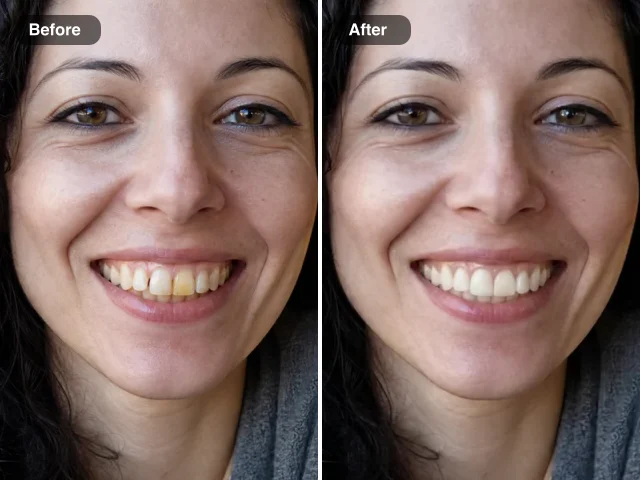
Two friends laughing in a park selfie with slightly yellow teethThe same selfie after whitening, both smiles brighterBeforeAfter

Brighten a smile in a portrait

Coffee, lighting and camera white balance can make teeth look yellow in an otherwise good photo. The teeth whitening preset lifts the colour of the teeth only, keeps their shape and leaves lips and skin alone, so a headshot or wedding picture still looks like the same person on a good day.

Whiten teeth

Fix Pictures for Work, School and Home

People come to fix pictures for the same few reasons; these are the moments FixImage is built for.

Profile and team photos

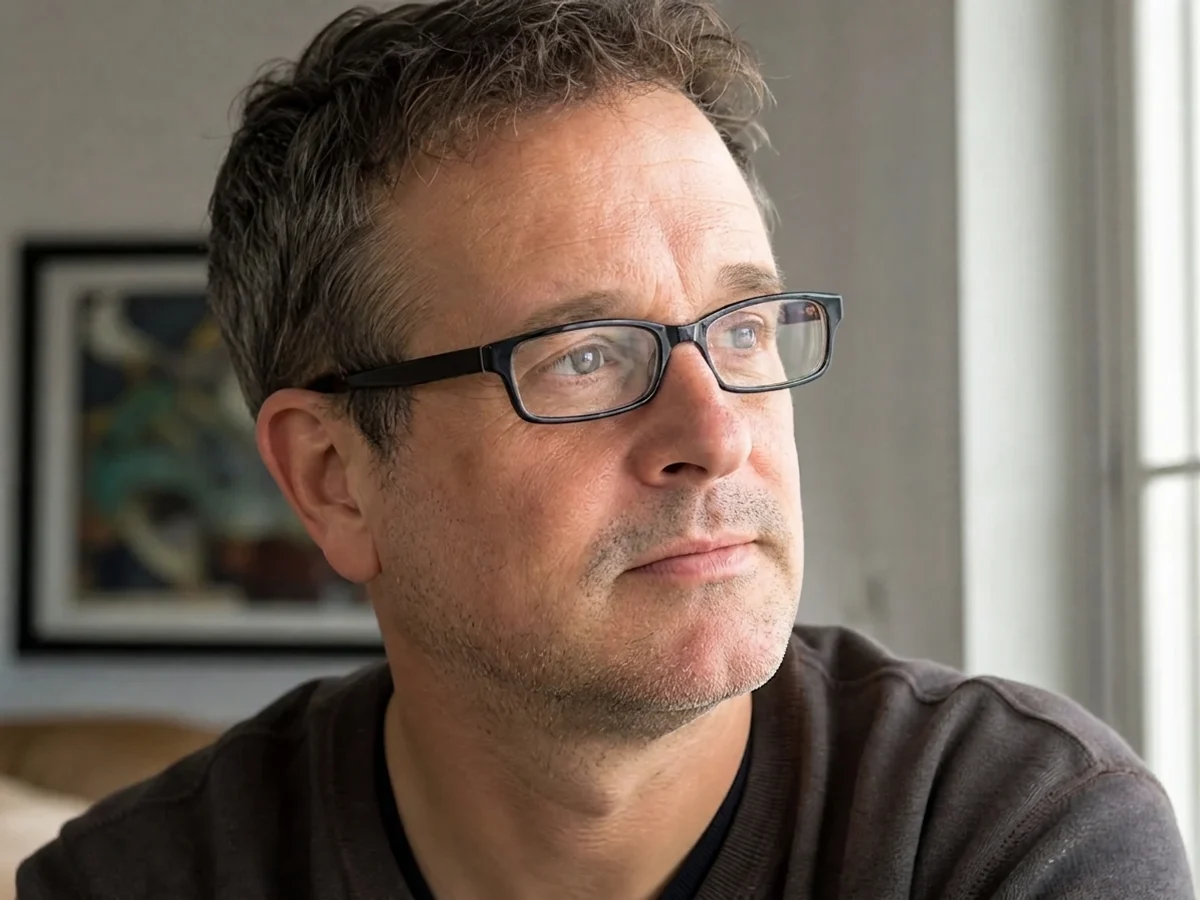
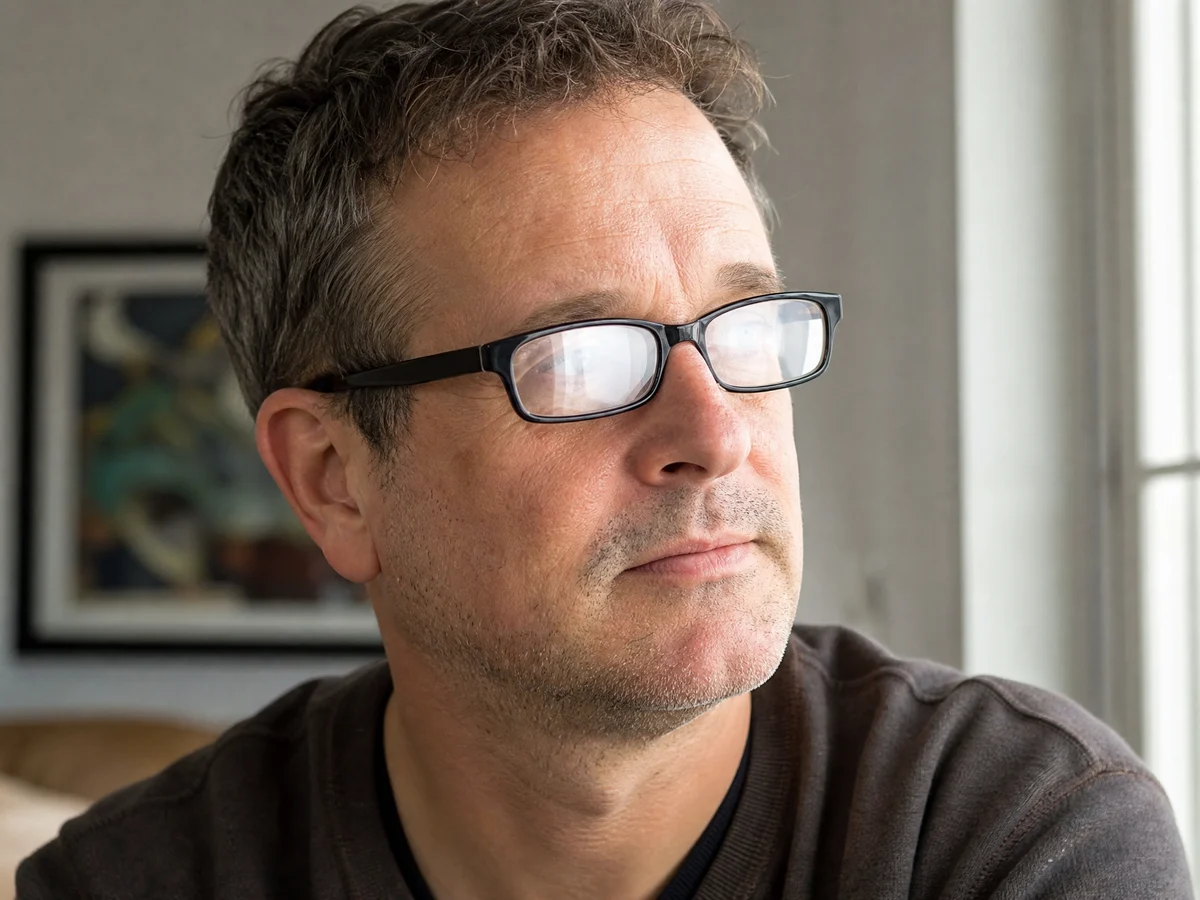
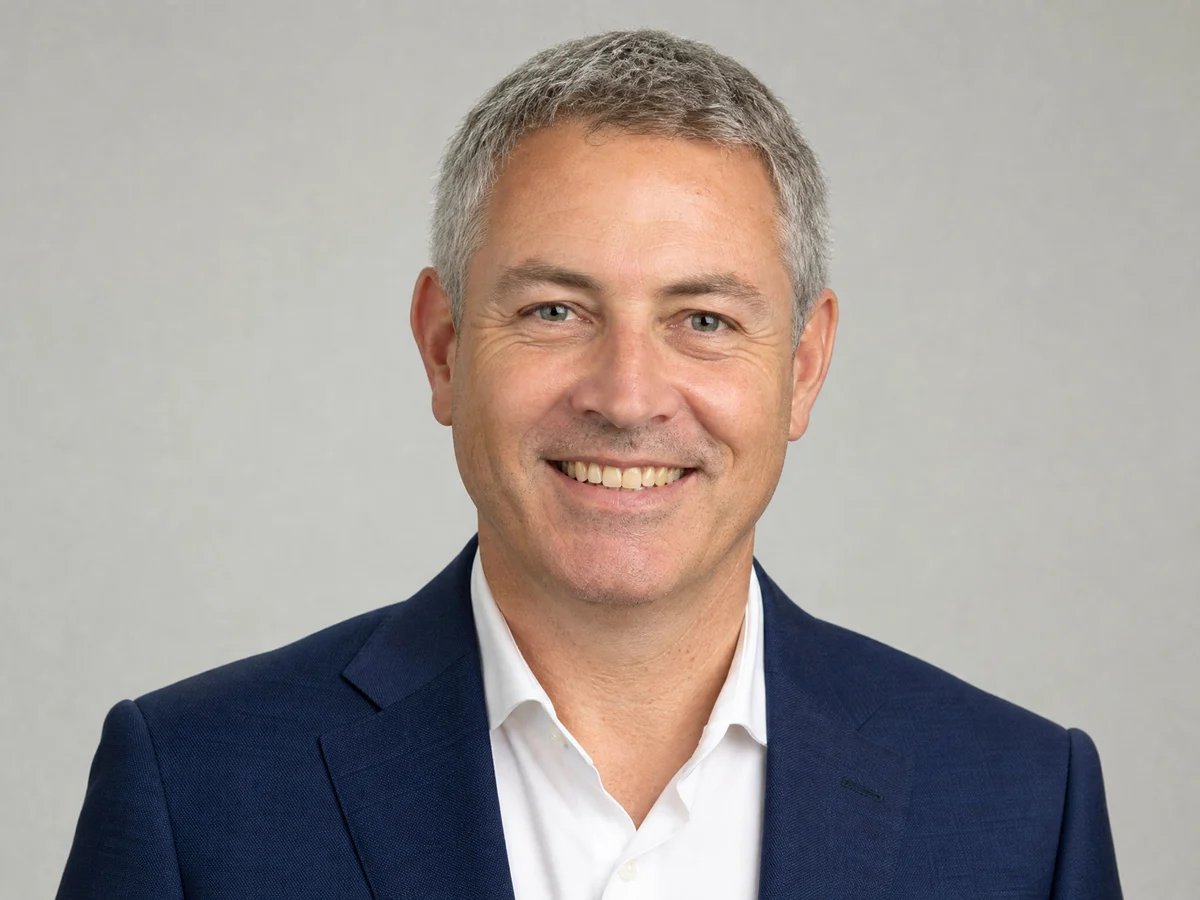
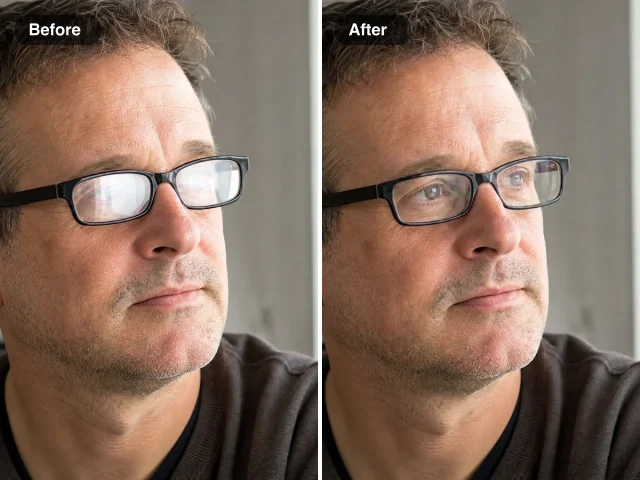
A headshot for LinkedIn, a staff page or a conference badge needs one small change. Fix image details such as yellow teeth or glare on glasses with a single preset and keep everything else about the photo as it was.

Paperwork without a scanner

Receipts, signed forms and homework photographed on a desk need to look like proper scans. Straighten the page with the perspective tool, then let Photo to Scan fix the image so the paper turns white and the text reads clearly, and export a free PDF to print or email.

Shop listings and stickers

Product cut-outs and logos can need a border before they go on a listing or a sticker sheet. Fix photo cut-outs like these with a free outline, then download a transparent PNG ready for print or upload.

Files from old cards and drives

JPGs recovered from an old memory card or a broken download sometimes refuse to open. Run them through the free photo repair tool to fix image structure problems, and keep the original copy until you have checked the result.

What People Fixed with the FixImage Photo Fixer

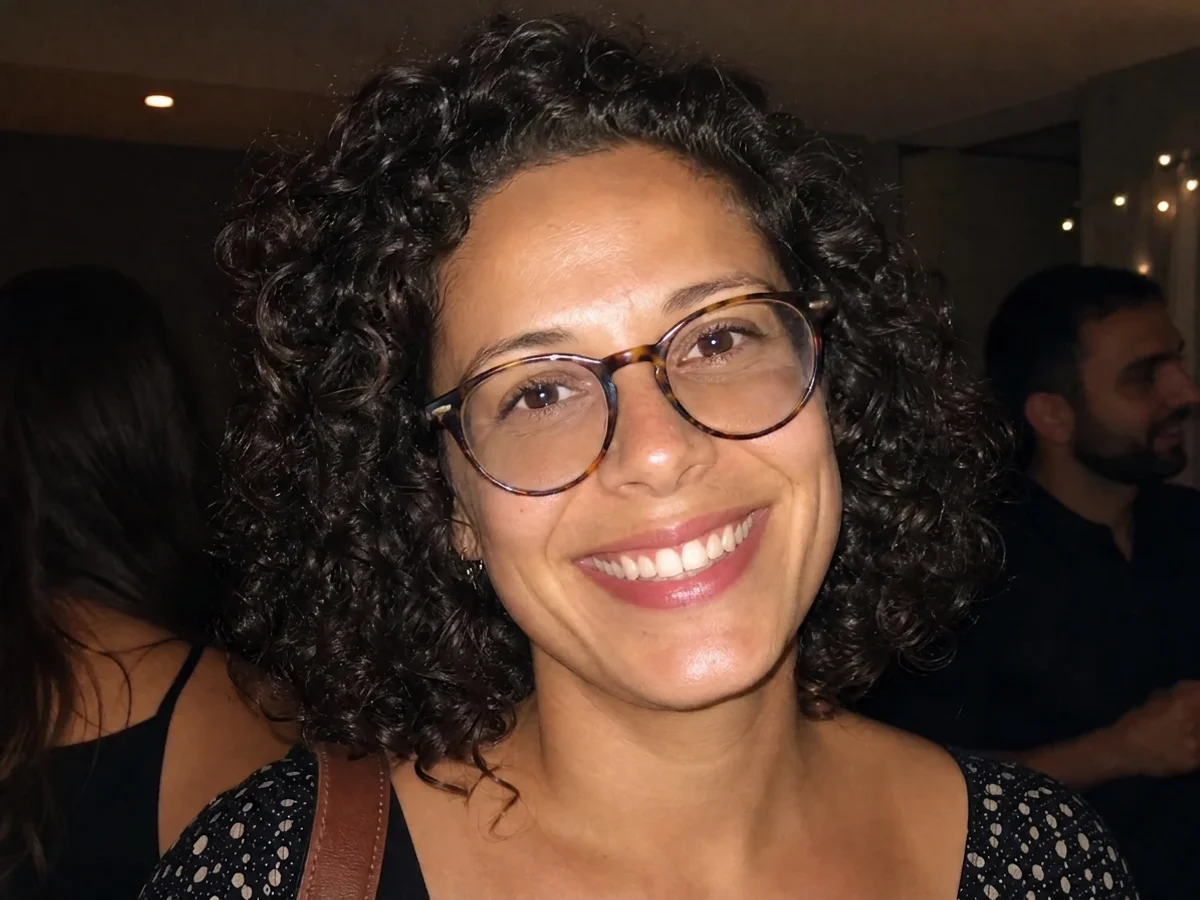
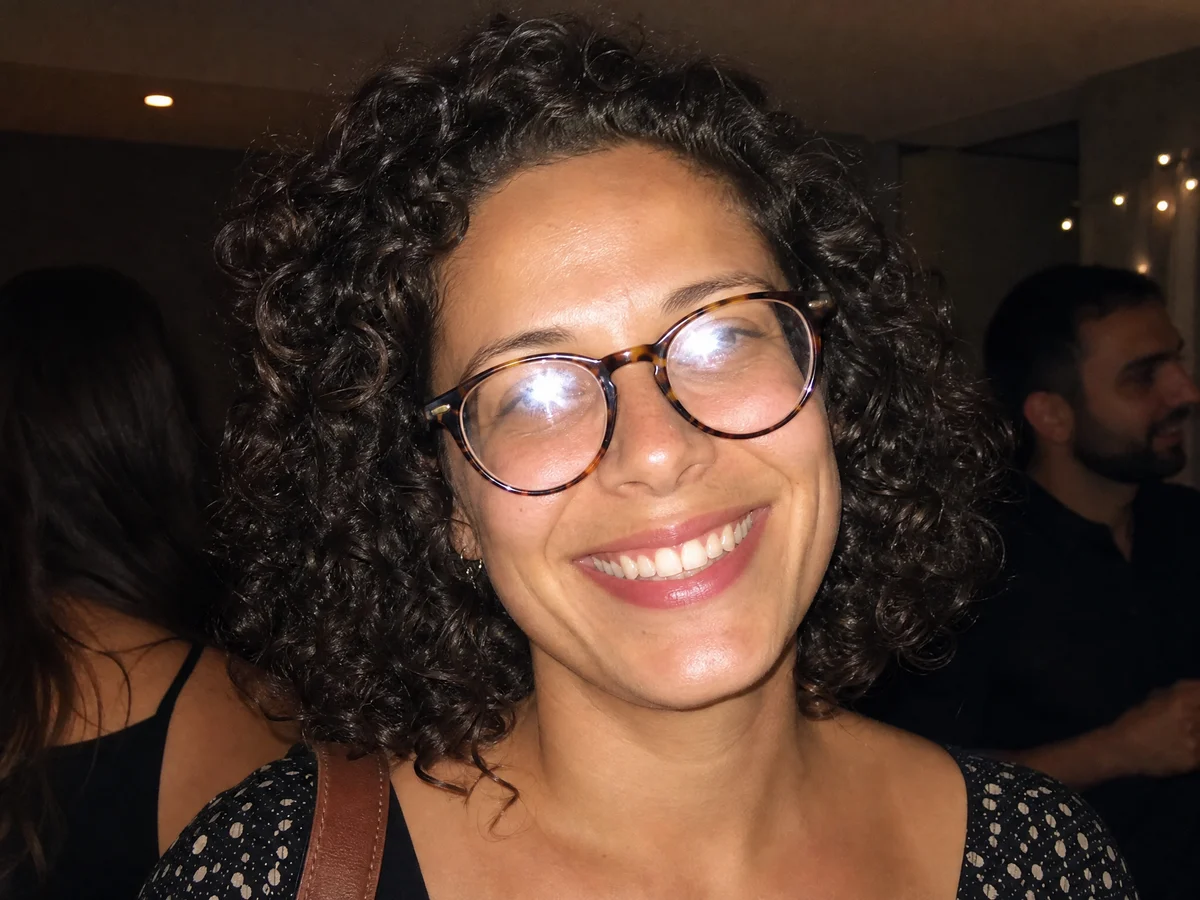
My headshot had a ring-light reflection right across my glasses, and the agency wanted it on every listing by Monday. I found FixImage while looking for a way to fix image glare, tapped the glasses button and got my eyes back without a reshoot. The frames still look exactly like mine.

Jenna Morales
Real Estate Agent

Image Fixer Questions

Straight answers about what this image fixer can repair today, what is free and what happens to your photos.

FixImage is an image fixer made of single-purpose tools, each solving one photo problem. Examples include a JPG that will not open, glare on glasses, a wrong price on a poster or a page photographed at an angle. Free tools need no sign-up, and AI tools handle portrait retouching and text edits.

Many broken JPGs can be repaired. The image repair tool rebuilds missing start or end markers and removes stray data around the picture, the damage a file check finds when a JPG stops opening. Keep a backup first, because image data that is truly missing cannot be reconstructed.

Tools marked FREE cost nothing and need no sign-up, with no limit on downloads. AI image fixer tools start with free credits after signing up, daily check-ins add more, and each edit shows its credit cost before it starts.

No — this photo fixer’s free tools work without an account or login, and they add nothing to the files you download. With an account, each AI result is also saved to your own library so you can download it again later.

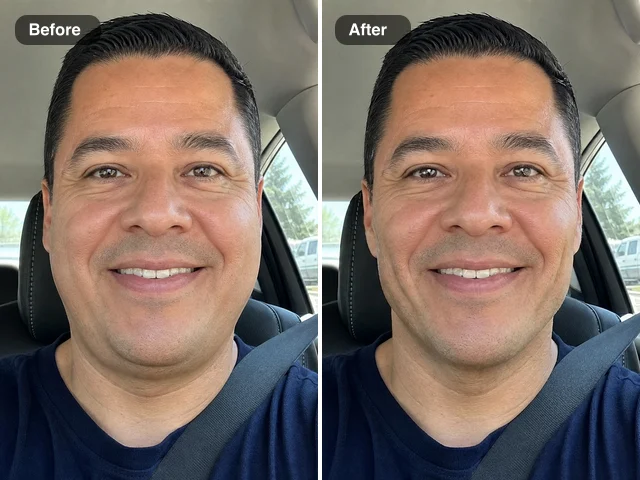
Pick the AI image fixer that matches the problem: teeth whitening, glare removal or face slimming. Teeth whitening lifts a yellow cast on teeth, glare removal clears reflections in glasses, and face slimming narrows a face widened by a close phone camera. Each makes a single change and leaves the rest of the photo alone.

The Public Visibility switch decides who can see your AI edits. On the home page it sits in Settings next to the Fix Image button, and on each AI tool page above the Edit Image button. AI edits on the free plan are public by default; a subscription or one-time pack keeps every edit private. The photo you upload is used only to make the fix you asked for.

Text and number edits are built for your own menus, posters, signs, slides, product images and app screenshots. Identity documents, bank statements, payment confirmations, receipt and invoice amounts, and medical, legal or government papers are declined automatically before the edit starts, and so are screenshots of banking or payment apps.

Use a free tool when the file or its geometry is the problem, and an AI tool when the photo’s content needs to change. Free tools handle a JPG that will not open, a page that should look scanned, a tilted building or a cutout that needs an outline. AI tools fix photo content such as teeth, glare, face shape, numbers, dates and screenshot text.

Free image tools save every result at your photo’s full resolution, and the repair tool never rewrites the picture data. AI fixes change only what the tool is built for and keep the picture’s aspect ratio, so faces, backgrounds and framing stay as they were. Keep your original copy until you have compared the result.

Every tool works in a mobile browser, so you can fix pictures straight from your camera roll. Pick the photo, adjust the options with your thumb and save the result back to your phone.

Fix Image Problems Now: Pick One and Add Your Photo

Free tools handle files, pages and angles, and AI fixes take care of portraits, glare and the text in your pictures, so you can fix image issues in one place. Start with the photo that needs it most.

Choose What to Fix
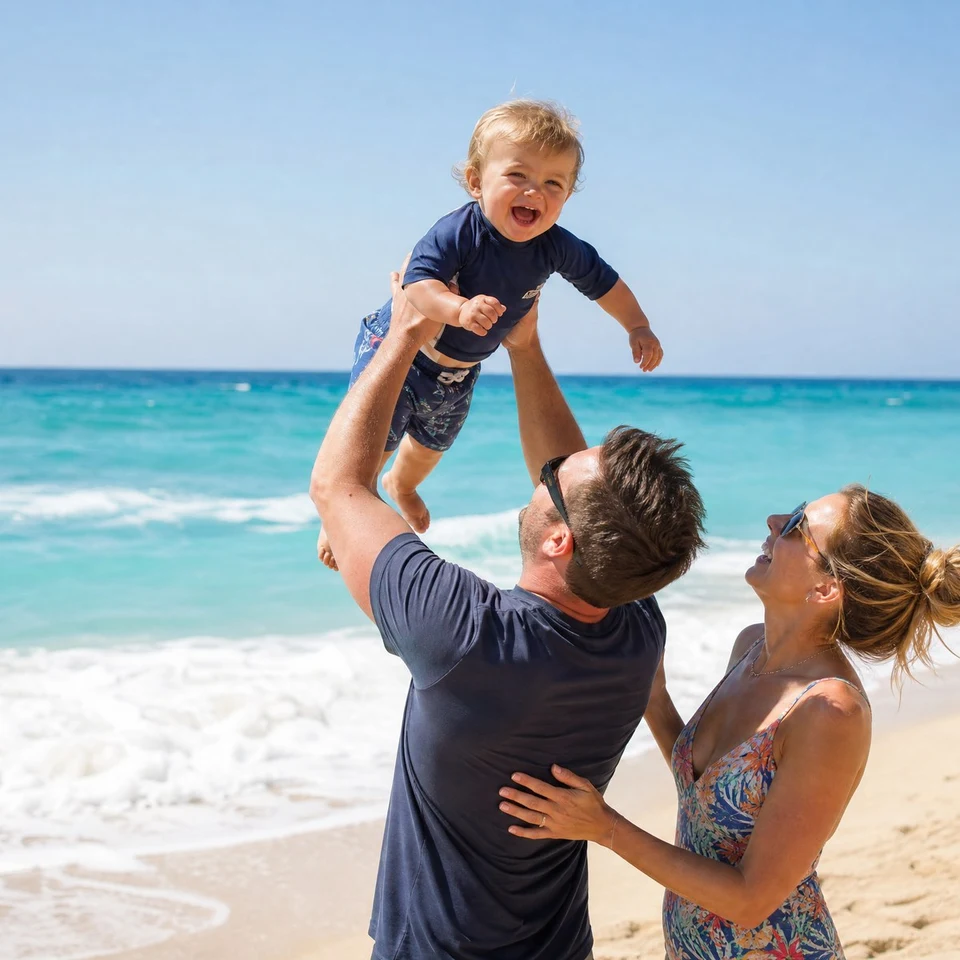
Father lifting a laughing toddler on a beach, square crop of a JPG that opened again after its start marker was restored